
Introduction
The NYSC registration and portal login process is one of the most important steps every Nigerian graduate must complete before participating in the National Youth Service Corps (NYSC) scheme. Each year, thousands of prospective corps members (PCMs) face challenges such as portal errors, missing documents, failed payments, or incomplete registrations.
This comprehensive guide is carefully written to help you understand how to register on the NYSC portal, the requirements you need, and how to fix common NYSC portal login and registration errors. Whether you are registering for the first time or resolving issues from a previous batch, this article will walk you through everything you need to know.
What Is the NYSC Portal?
The NYSC portal is the official online platform where prospective corps members carry out all NYSC-related activities, including:
- Online registration
- Portal login and profile updates
- Printing of call-up letters
- Request for redeployment
- Checking payment and allowance status
Access to the portal is essential, as no offline registration is allowed.
NYSC Registration Requirements
Before starting your NYSC registration, ensure you have the following ready:
1. Personal Information
- Valid email address (active and accessible)
- Nigerian phone number
- National Identification Number (NIN)
2. Educational Documents
- JAMB registration number
- Matriculation number
- Statement of result or degree certificate
3. Biometric & Technical Requirements
- Passport photograph (white background)
- Fingerprint-enabled device or access to a cyber café with biometric scanner
4. Financial Requirement
- ATM card for online payment of NYSC registration fees
Having these ready helps you avoid delays and errors during registration.
How to Register on the NYSC Portal (Step-by-Step)
Follow these steps carefully to complete your NYSC registration successfully:
Step 1: Visit the Official NYSC Portal
Go to the official NYSC website and click on “Mobilization” or “Online Registration.”
Step 2: Create an Account
- Click on “Register”
- Enter your email address and phone number
- Create a strong password
Step 3: Portal Login
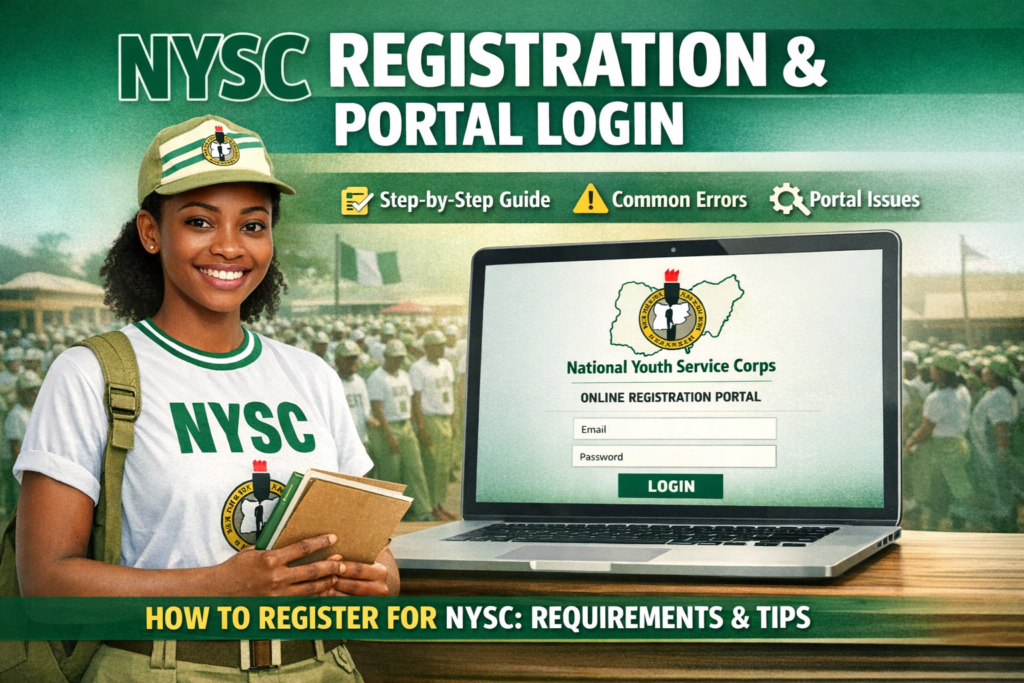
Use your email and password to log in to your dashboard. This is your NYSC portal login page where all activities will take place.
Step 4: Complete Personal Details
Fill in your:
- Full name
- Date of birth
- Marital status
- State of origin
Ensure all information matches your official documents.
Step 5: Educational Information
Input your institution details, course of study, graduation year, and upload your statement of result or certificate.
Step 6: Biometric Capture
Capture your fingerprints as instructed. Incomplete biometric capture can prevent your registration from being approved.
Step 7: Payment
Make the required payment using your ATM card and confirm successful payment.
Step 8: Final Submission
Review all entries carefully before submitting. Once submitted, some details cannot be edited.
How to Log In to the NYSC Portal
To access your NYSC dashboard after registration:
- Visit the NYSC portal
- Click on “Login”
- Enter your registered email and password
- Click “Proceed”
If login fails, double-check your email spelling and password.
Common NYSC Registration Errors and Solutions
Below are common issues faced during NYSC registration and portal login, and how to fix them:
1. Invalid Email or Password Error
Solution: Use the “Forgot Password” option to reset your password.
2. Biometric Capture Failed
Solution: Use a different device or visit an NYSC-accredited cyber café.
3. Payment Successful but Not Reflected
Solution: Log out and back in, or wait a few hours. Payments may take time to sync.
4. JAMB Details Not Found
Solution: Ensure your institution uploaded your details correctly to the NYSC database.
5. Portal Not Opening or Slow Loading
Solution: Try accessing the portal late at night or early morning when traffic is low.
Important Tips for Successful NYSC Registration
- Use your real and correct details only
- Avoid rushing the registration process
- Keep your login details safe
- Regularly check the portal for updates
Also Read: The Viral NYSC Corps Member Controversy: Free Speech, Discipline, and Youth Voices in Nigeria
Frequently Asked Questions (FAQs)
Can I edit my details after submission?
Some fields cannot be edited after final submission. Always cross-check before submitting.
What if I miss my batch registration?
You will be automatically moved to the next batch.
Is NYSC registration free?
Registration is free, but there is a payment for call-up letter printing and other optional services.
Conclusion
Understanding the NYSC registration and portal login process can save you from unnecessary stress and mistakes. By following the steps and solutions outlined in this guide, you increase your chances of completing your registration smoothly and without errors.
If you found this guide helpful, bookmark it and share it with other prospective corps members preparing for NYSC.